
Final Accounts Format
in Excel, PDF & Word
Easily prepare your final accounts using these ready-to-use templates. It helps you calculate profit and create a proper balance sheet without confusion.
⚡️ Simple and structured layout
⚡️ Quick profit calculation
⚡️ Ideal for students and small businesses
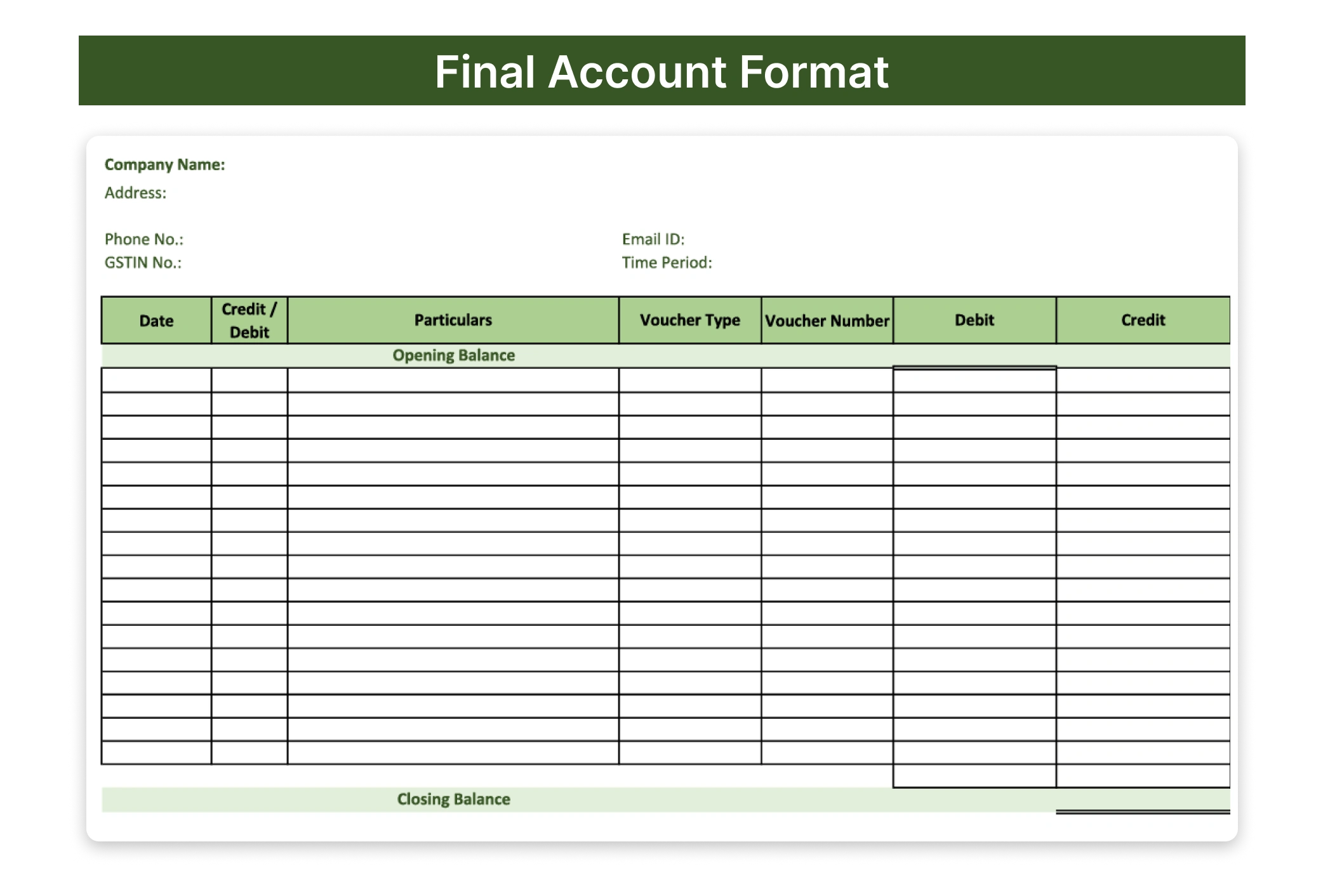
Download Free Ready-to-Use Final Accounts Templates
Final Accounts Format in Word
The final accounts format in Word is easy to edit and customise, making it suitable for manual preparation.
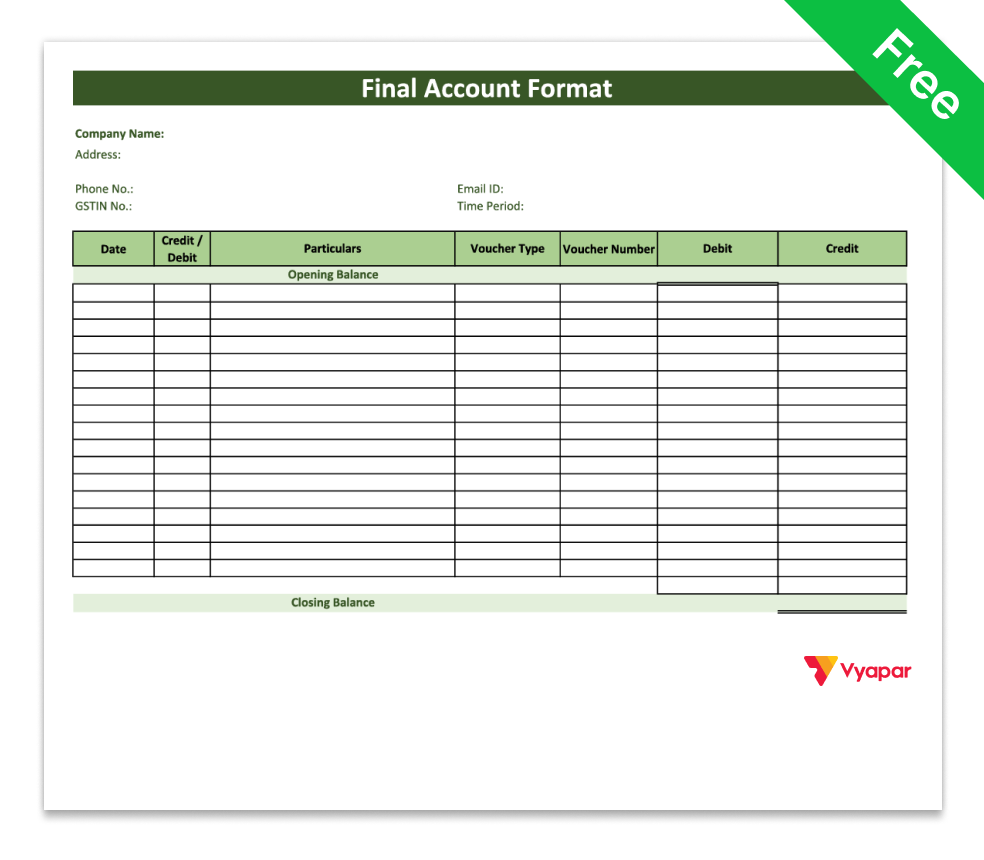
Final Accounts Format in Word-1

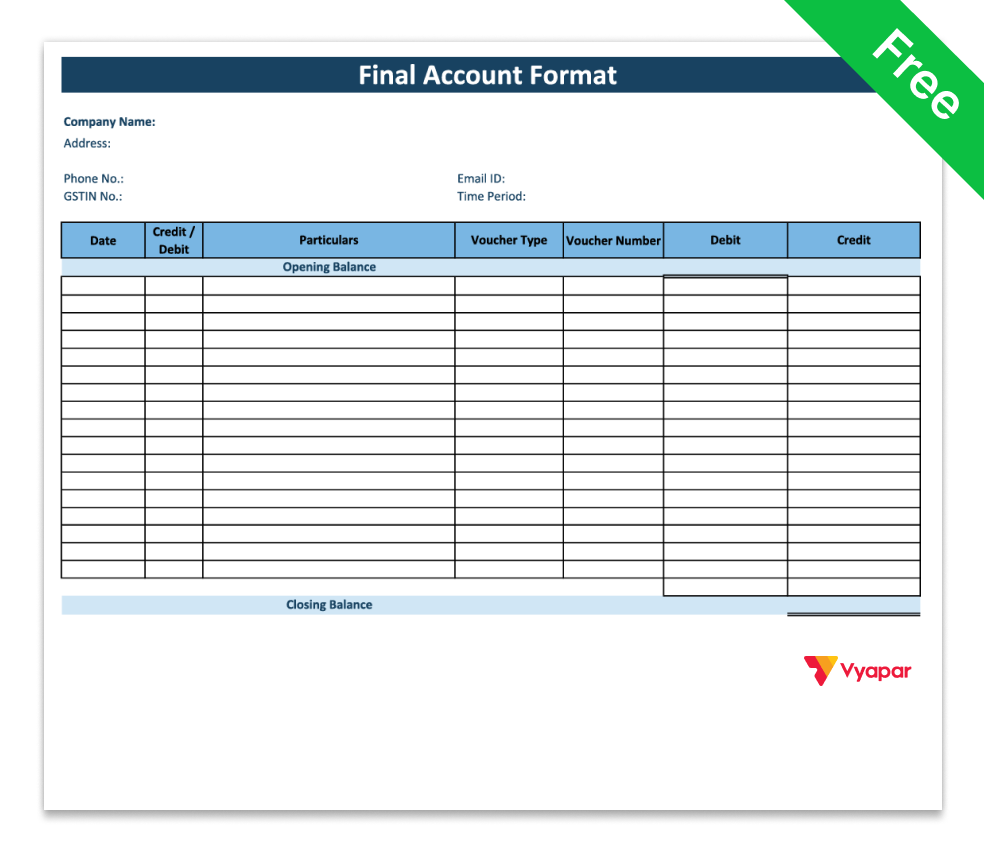
Final Accounts Format in Word-2
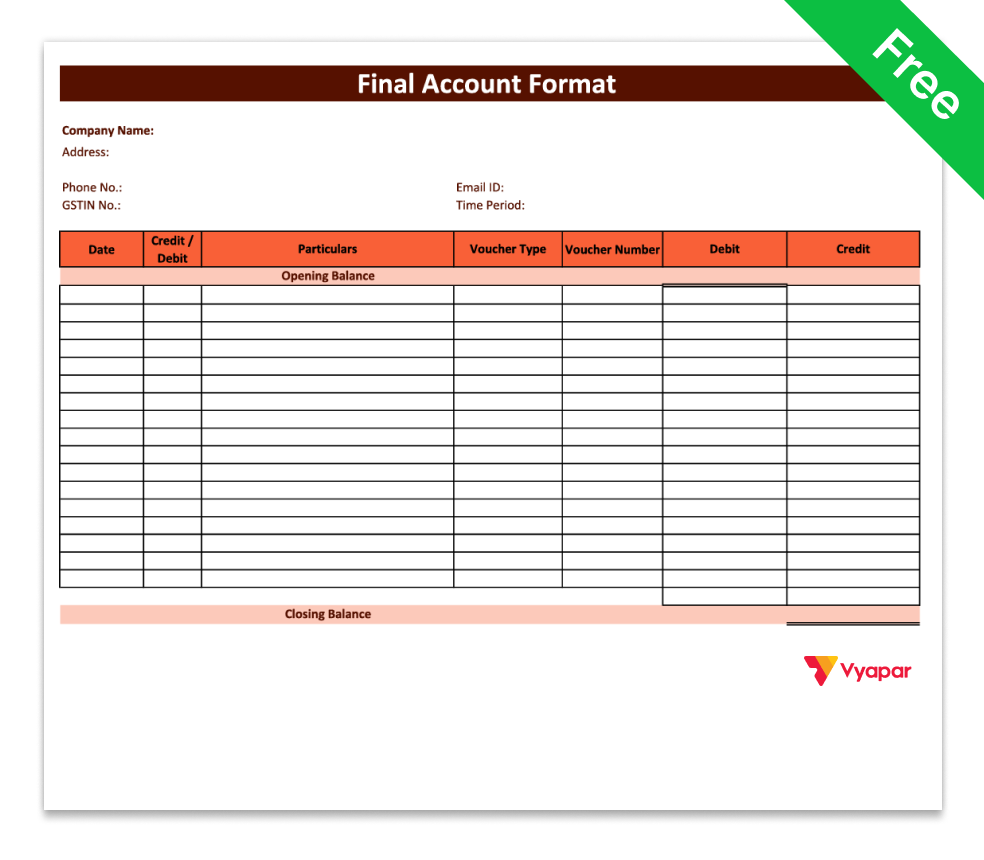
Final Accounts Format in Word-3
Final Accounts Format in Excel
Final accounts format in Excel helps automate calculations, making account preparation faster and more accurate.
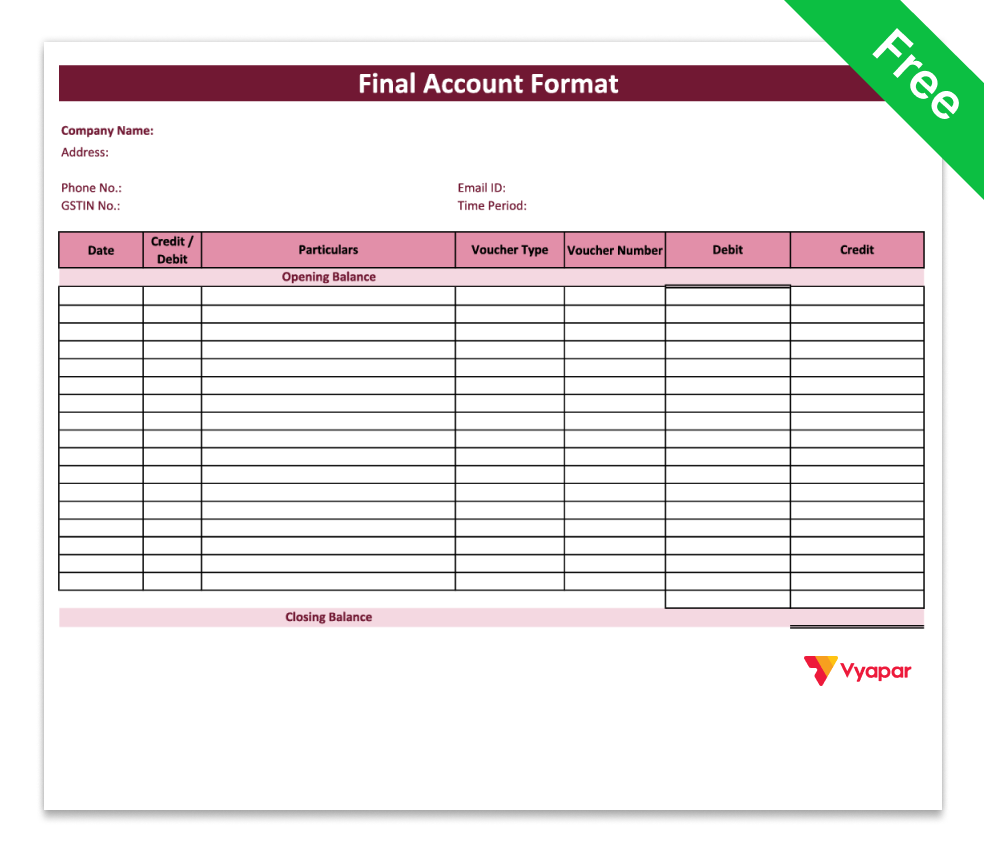
Final Accounts Format in Excel-1
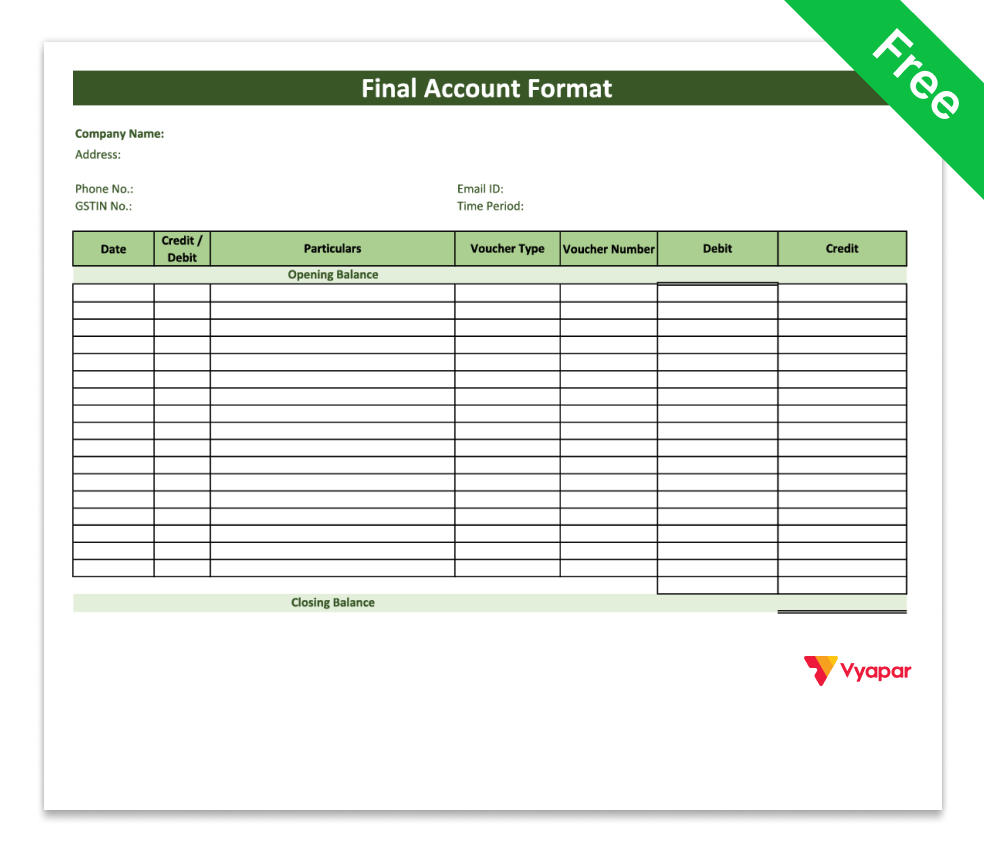
Final Accounts Format in Excel-2
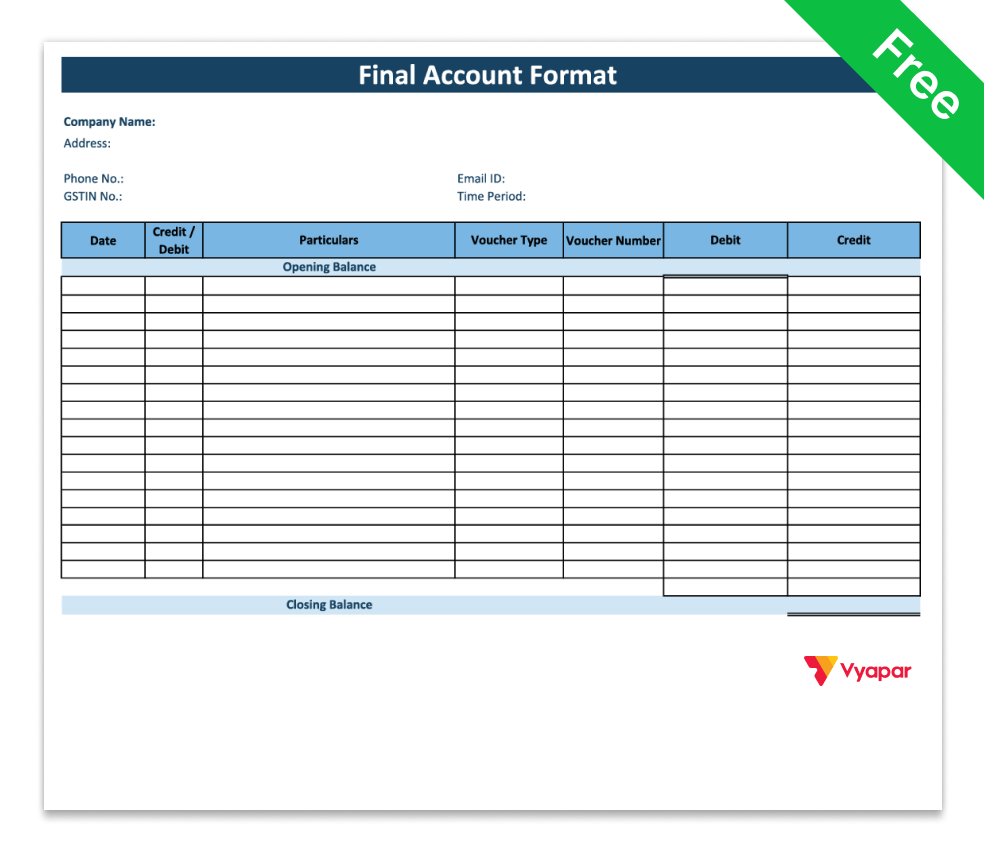
Final Accounts Format in Excel-3
Final Accounts Format in PDF
The final accounts format in PDF is ready to use and best for printing or sharing without making changes.
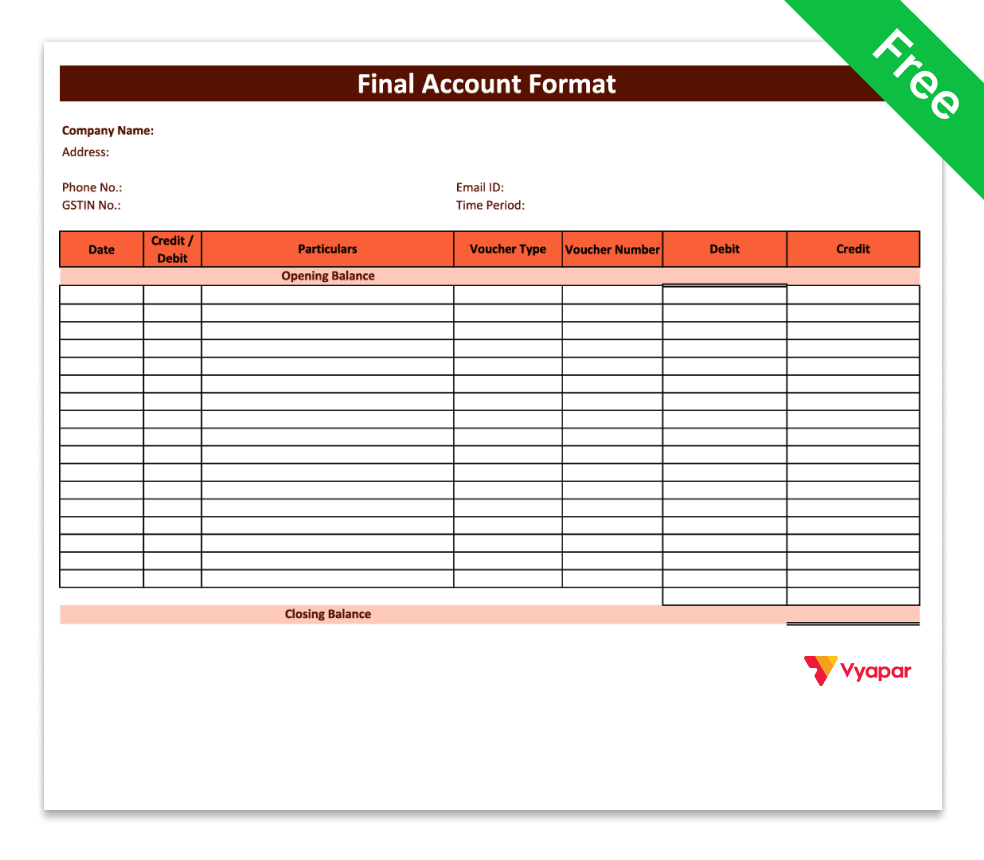
Final Accounts Format in PDF-1
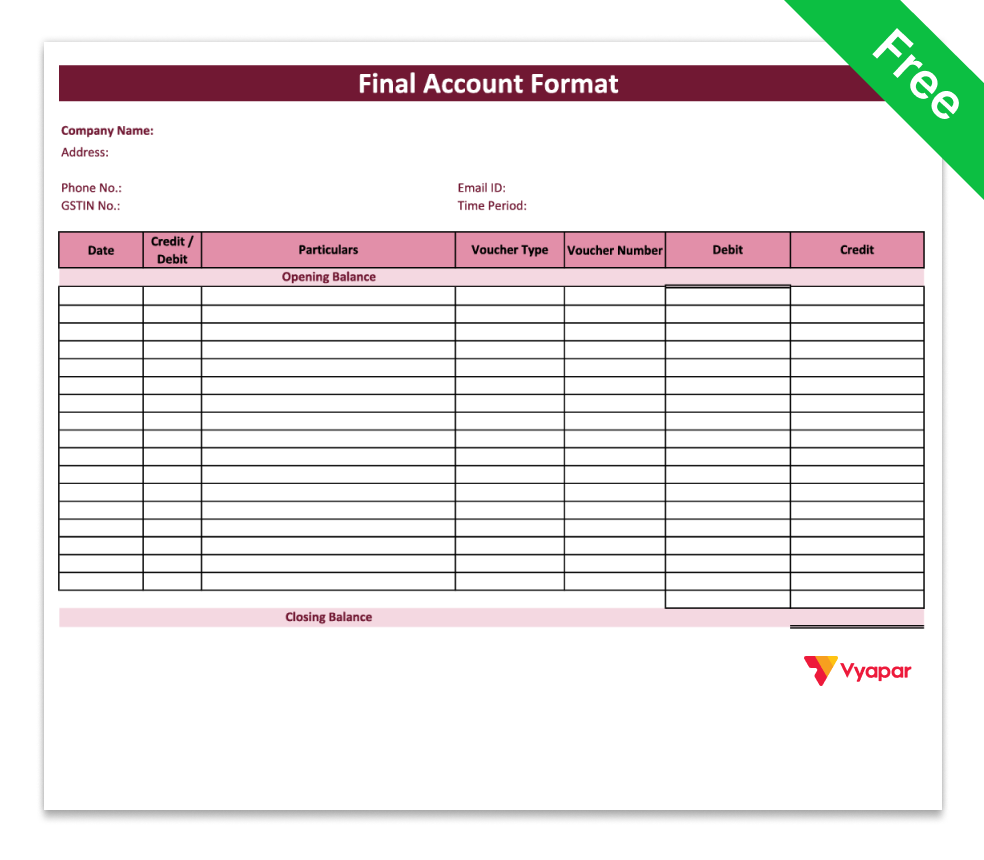
Final Accounts Format in PDF-2
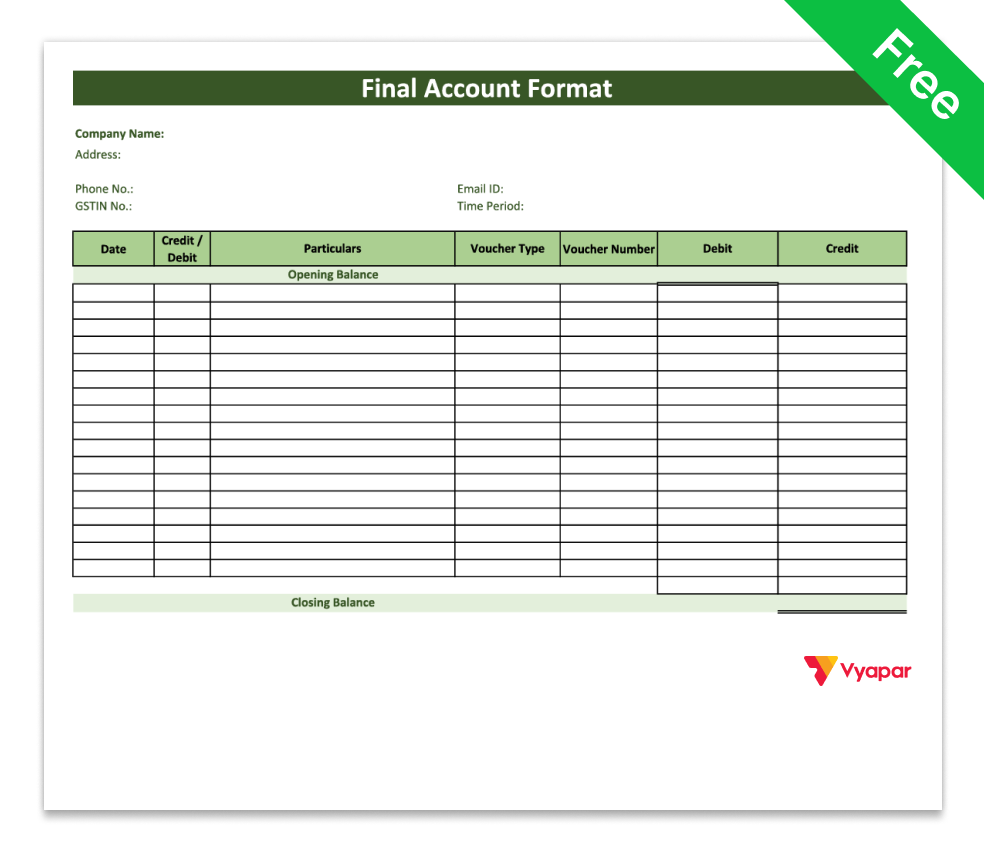
Final Accounts Format in PDF-3
Stop Managing Final Accounts Manually
Components of Final Accounts

Trading Account
It is prepared using your sales and purchase entries. It helps calculate gross profit by comparing sales with direct expenses.

Profit and Loss Account
It shows your net profit after subtracting business expenses like rent, salaries, and electricity from your gross profit.

Balance Sheet
The balance sheet format in final accounts shows what your business owns (assets) and what it needs to pay (liabilities).
Why Final Accounts Are Important
- Shows Your Actual Profit or Loss: Final accounts clearly show whether your business made a profit or loss during the year. It gives you a clear picture of performance.
- Shows Your Money and Dues: The balance sheet FA shows what your business owns and what your business owes. This helps you understand your financial position.
- Helps in Tax Filing: Final accounts make it easier to file GST and income tax. When your records are clear, there are fewer mistakes.
- Helps You Make Better Decisions: When you clearly see your profit and expenses, you can make smarter business decisions. It helps you manage your money better.
- Needed for Loans & Business Checking: Banks and auditors usually ask for final accounts. Proper accounts make loan approval and the checking process easier.
How to Prepare Final Accounts (Step-by-Step)
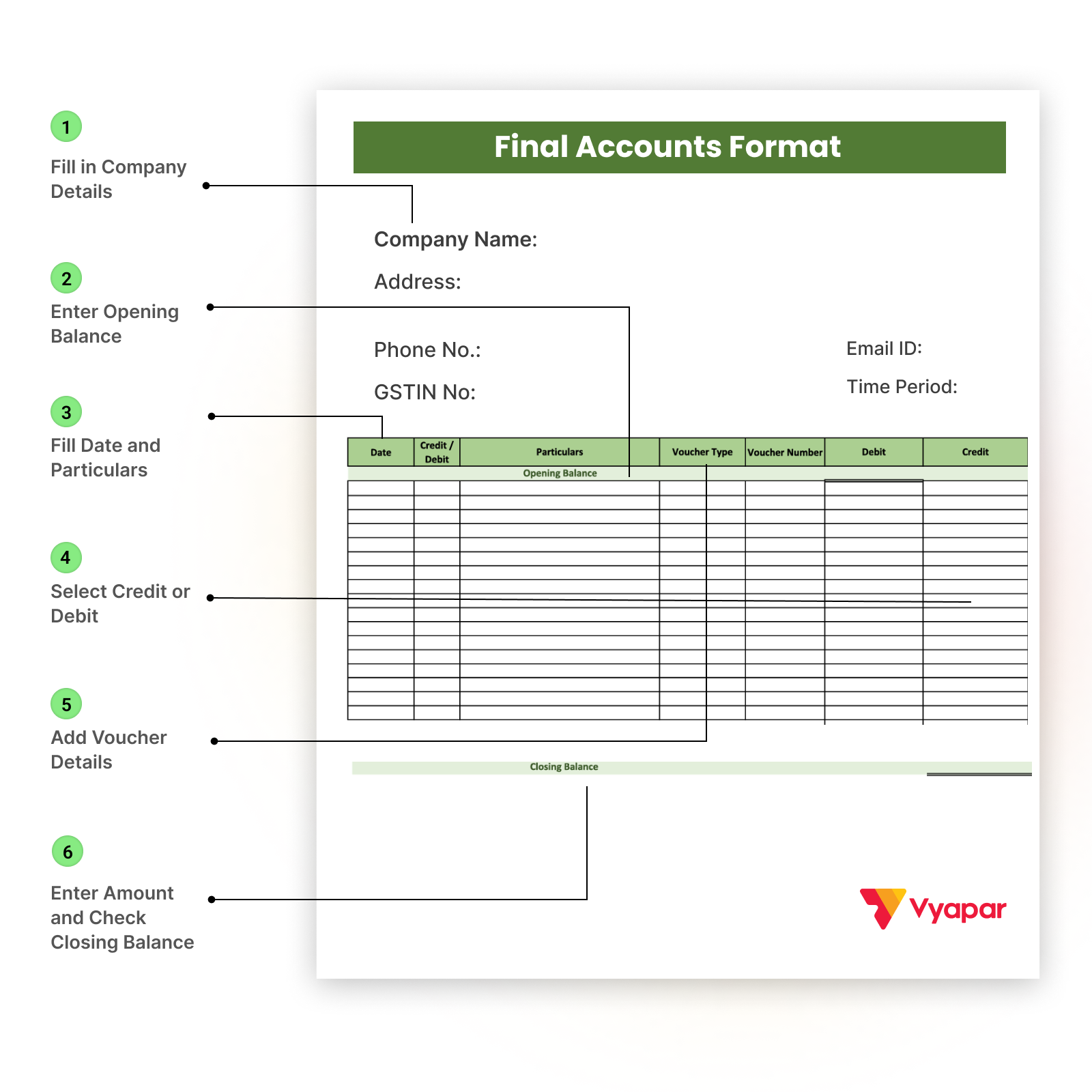
Step 1: Fill in Company Details
Enter your Company Name, Address, Phone No., GSTIN No., Email ID, and Time Period at the top.
Step 2: Enter Opening Balance
Write the starting pending amount under Opening Balance before recording any transactions.
Step 3: Fill Date and Particulars
For every transaction, enter the Date and write details in Particulars (like purchase, payment made, etc.).
Step 4: Select Credit or Debit
In the Credit / Debit column, mention whether the entry is credit or debit based on the transaction type.
Step 5: Add Voucher Details
Enter the Voucher Type (Invoice, Payment, etc.) and Voucher Number for proper tracking.
Step 6: Enter Amount and Check Closing Balance
Fill the amount in the correct Debit or Credit column and finally confirm the Closing Balance at the bottom.
Final Accounts – Manual vs Vyapar
| Manual Method | Vyapar App |
| Use multiple excel sheets | All reports in one place. |
| Manual Calculations | Automatic Calculations |
| Higher risk of mistakes | Reduced errors |
| Time-consuming month-end work | Instant financial statements | Adjustments tracked separately | Adjustments updated automatically |
Switch to Smart Accounting With Vyapar.
Benefits of Using Vyapar for Final Accounts
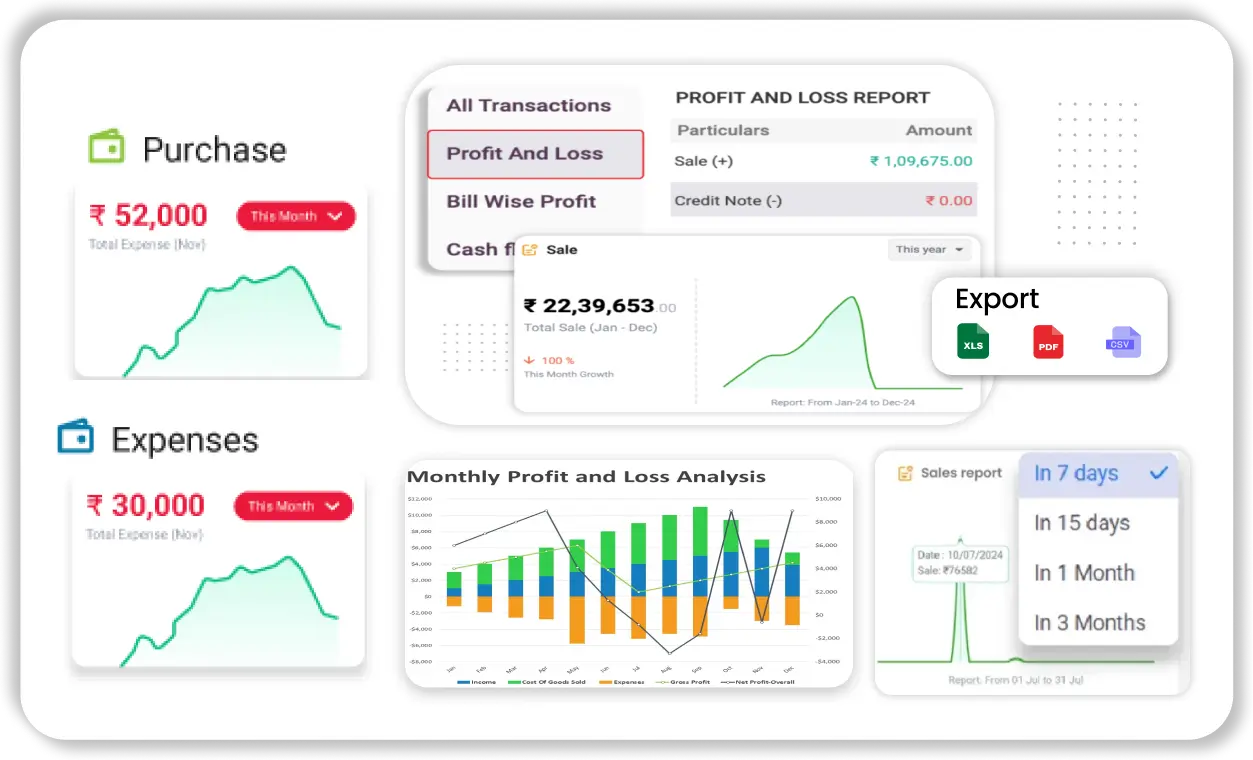
Automatic Trading & P&L Reports
Generate trading account and profit and loss account instantly without manual calculations.
.
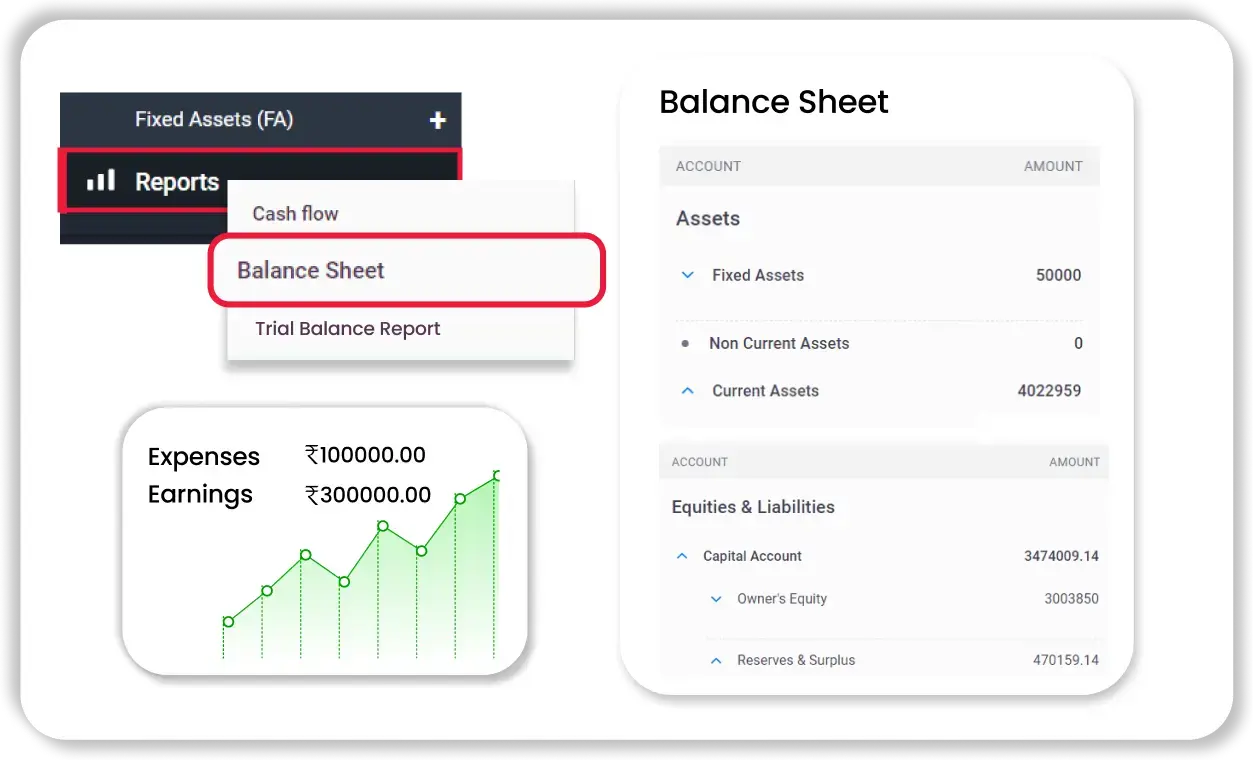
Instant Balance Sheet
The balance sheet format is created automatically based on your entries. You don’t need to balance totals manually.
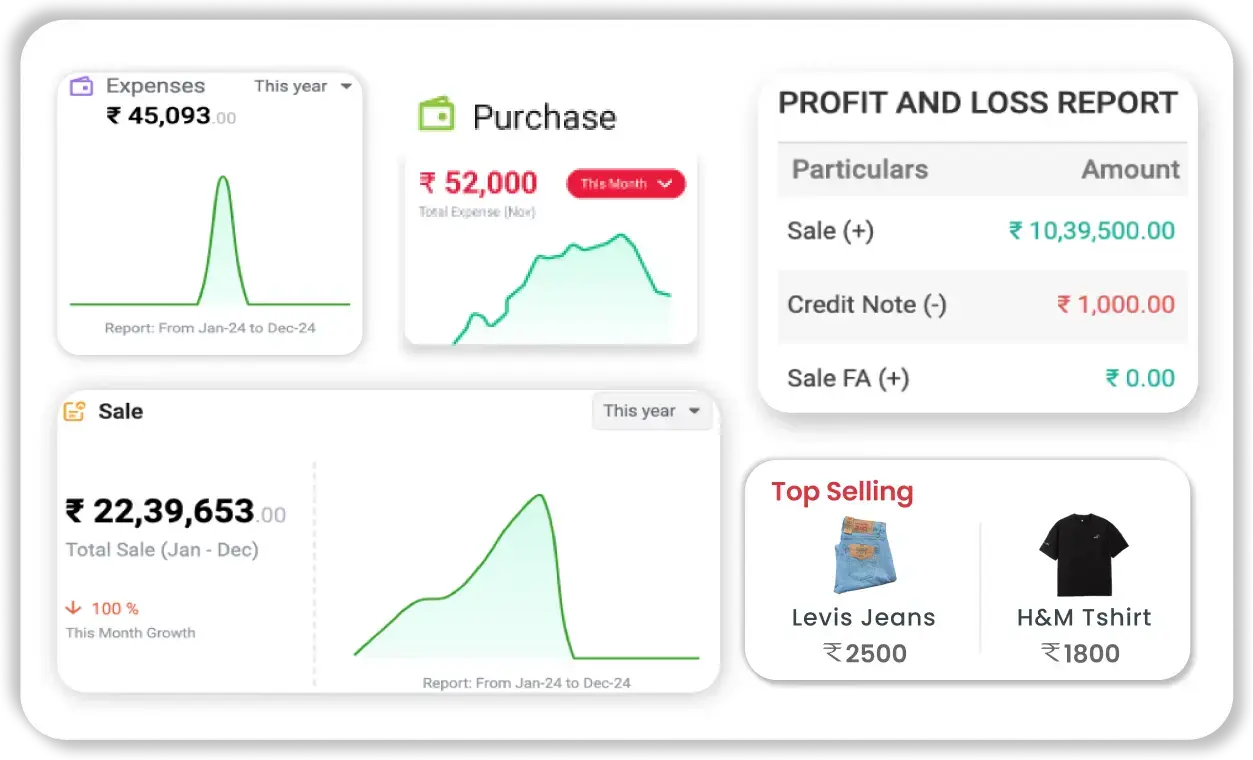
Real-Time Profit Tracking
Check your gross and net profit anytime. Your reports update automatically as you record transactions.
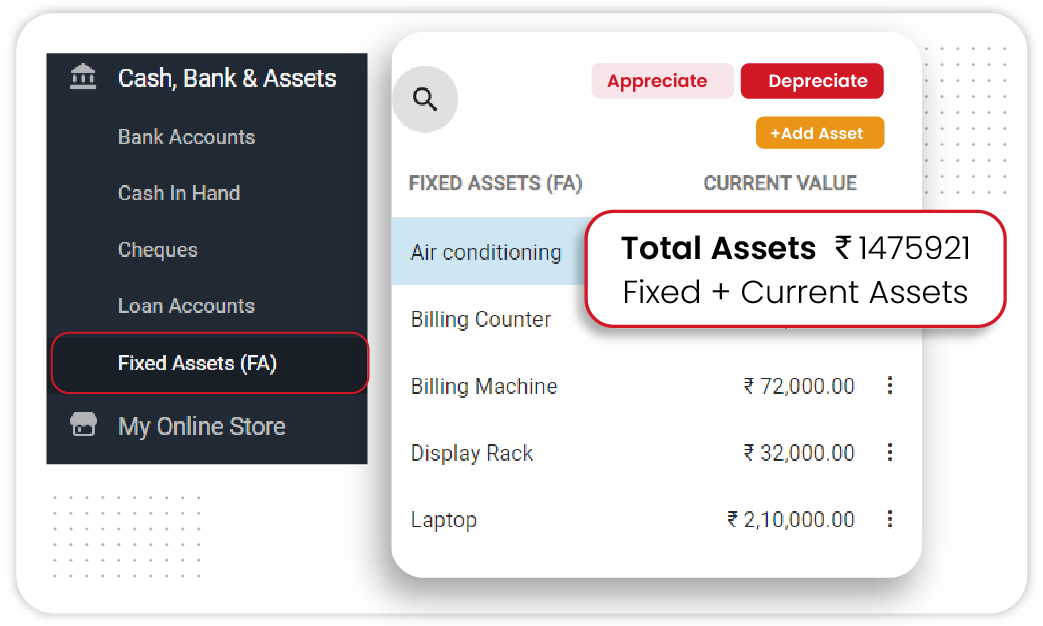
Easy Adjustment Management
Record depreciation, closing stock, and other adjustments easily. The software updates your final accounts accordingly.
Frequently Asked Questions (FAQ’s)
What Are Final Accounts?
What are Final Accounts in Accounting?
What Do Final Accounts Include?
How to Prepare Final Accounts?
What Adjustments Are Required in Final Accounts?
What is the Format of Final Accounts?
What is the Difference Between Trading and Profit & Loss Accounting?





