
Medical Bill Format in Word, PDF, Excel
Create GST-compliant bills in seconds using Vyapar’s billing format
for a medical shop. Ideal for pharmacies, clinics, and hospitals.
⚡️ Professionally designed
⚡️ Ready to print or share
⚡️ Works for both GST and non-GST billing
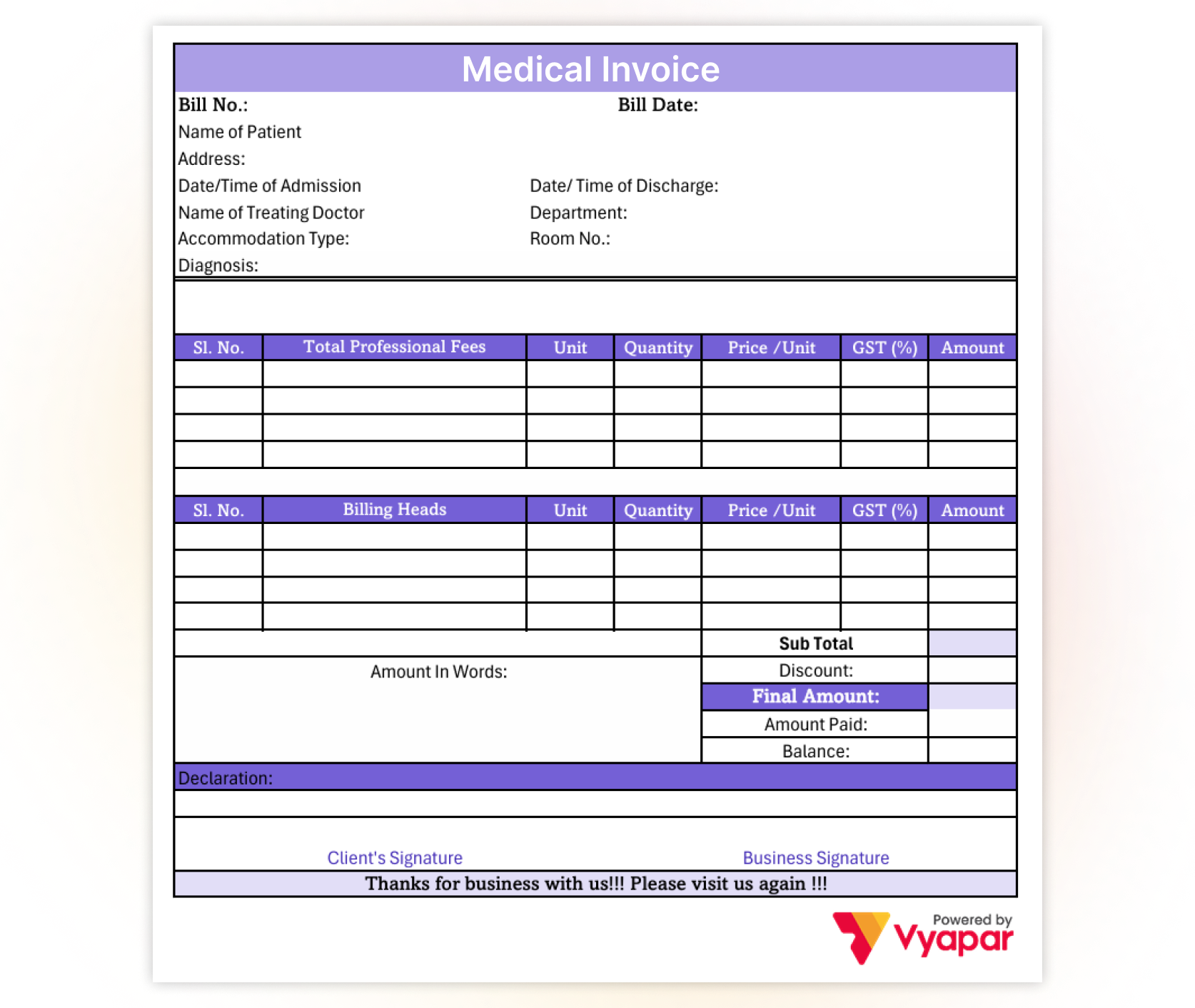
Download Free Ready-to-Use Medical Bill Templates
Medical Bill Format in Word
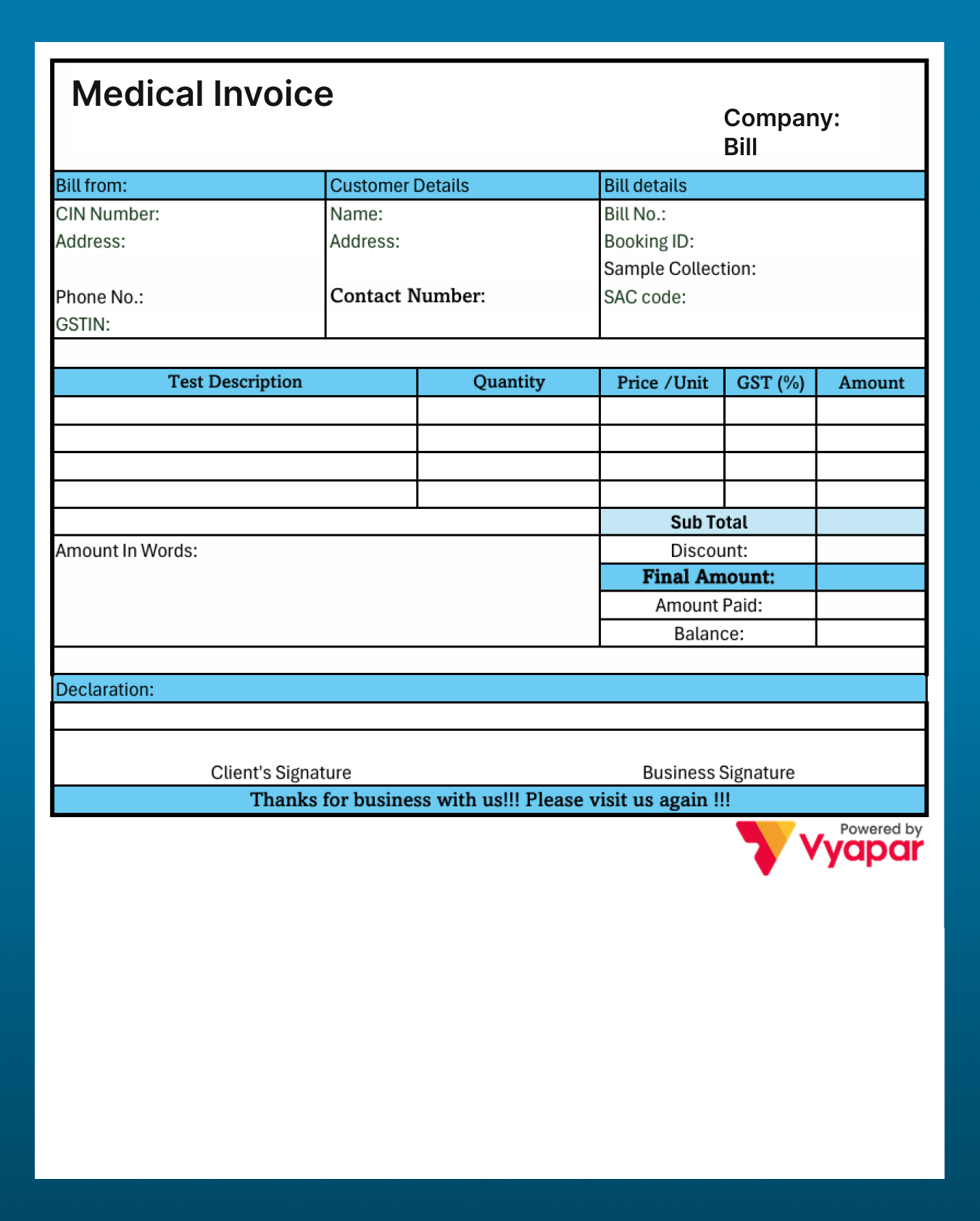
Medical Bill Format in Word

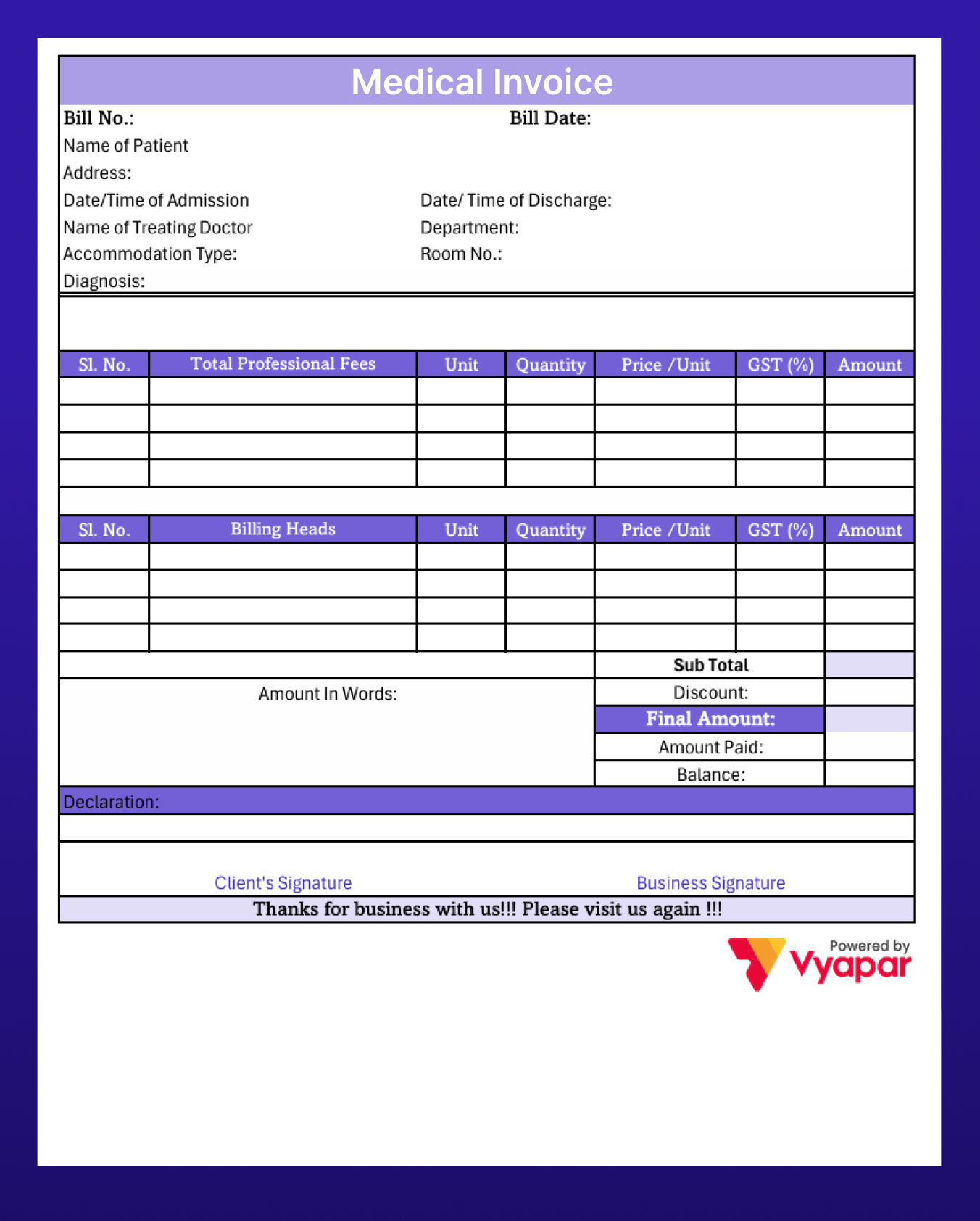
Medicine Bill Format in Word
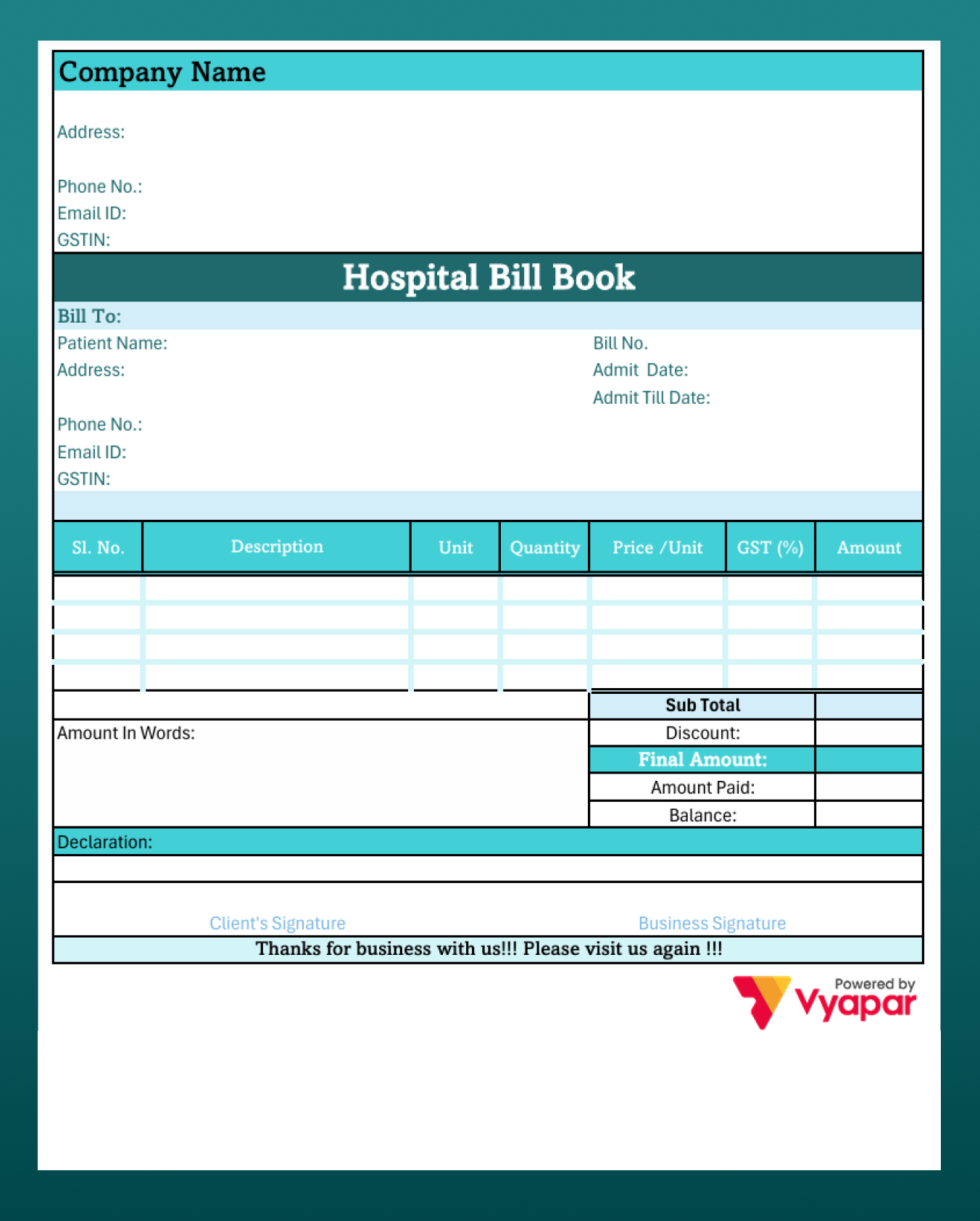
Hospital Bill Format Word
Medical Bill Format in Excel
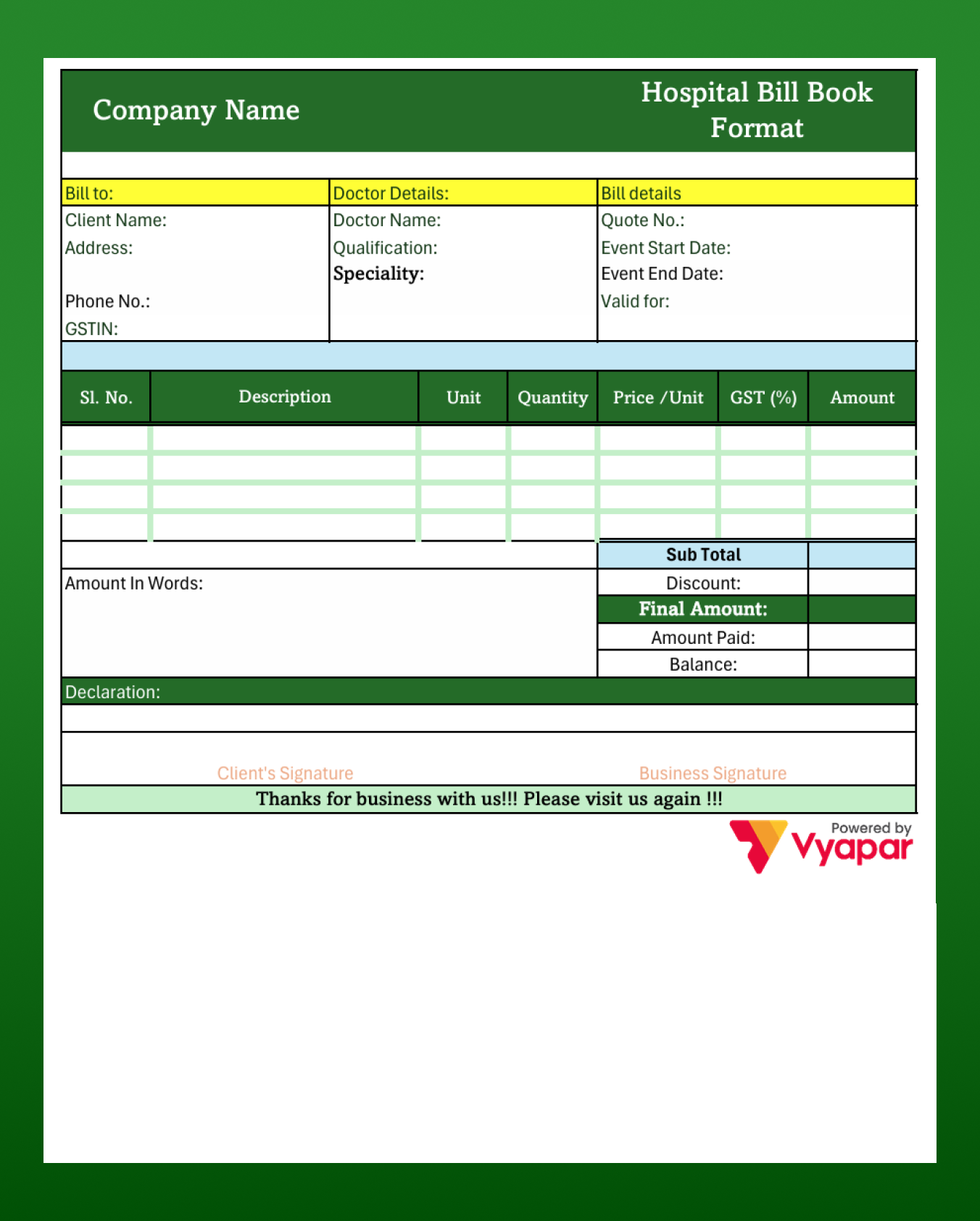
Hospital Bill Format in Excel
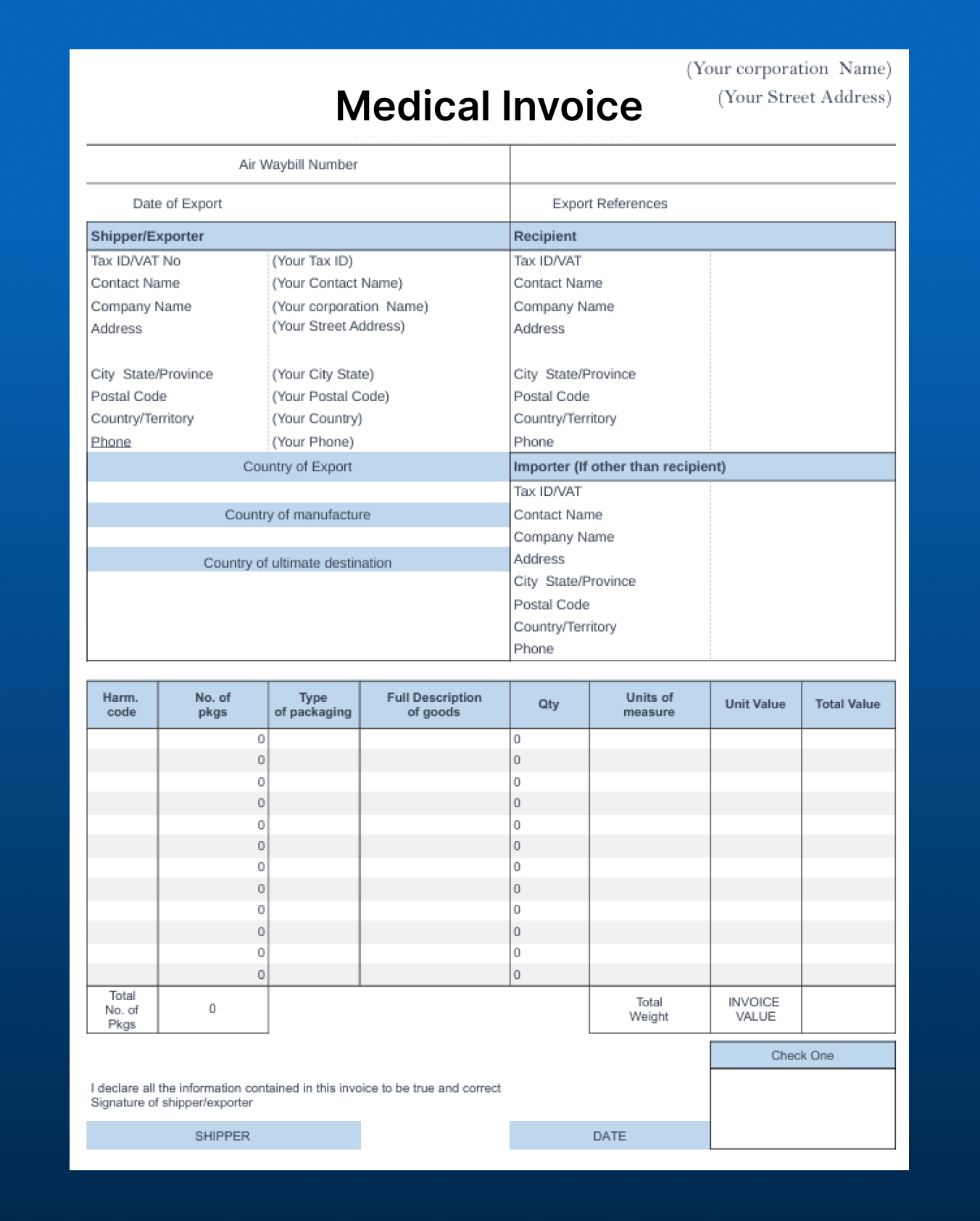
Medical Bill Format in Excel
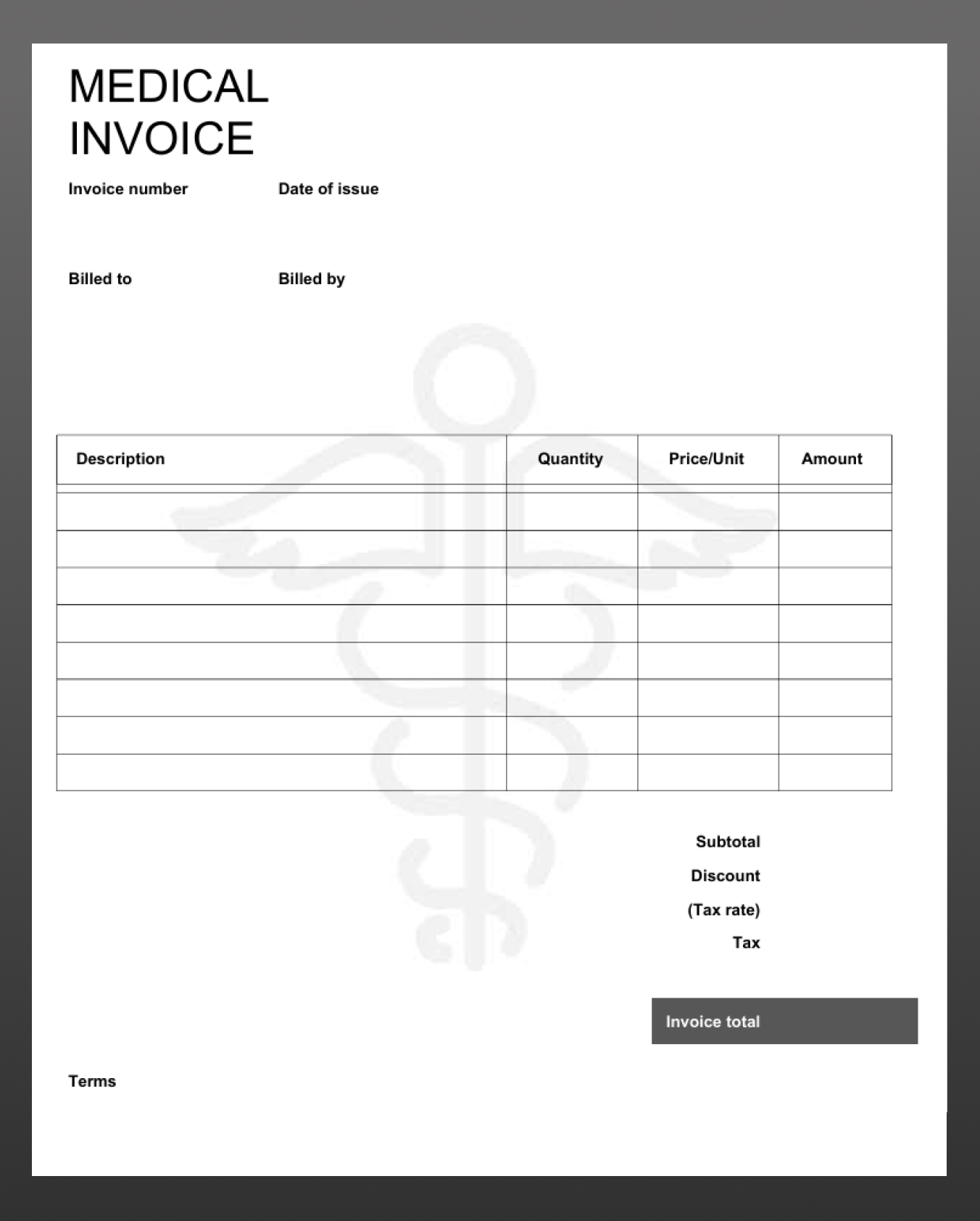
Medicine Bill Format in Excel
Medical Bill Format in PDF
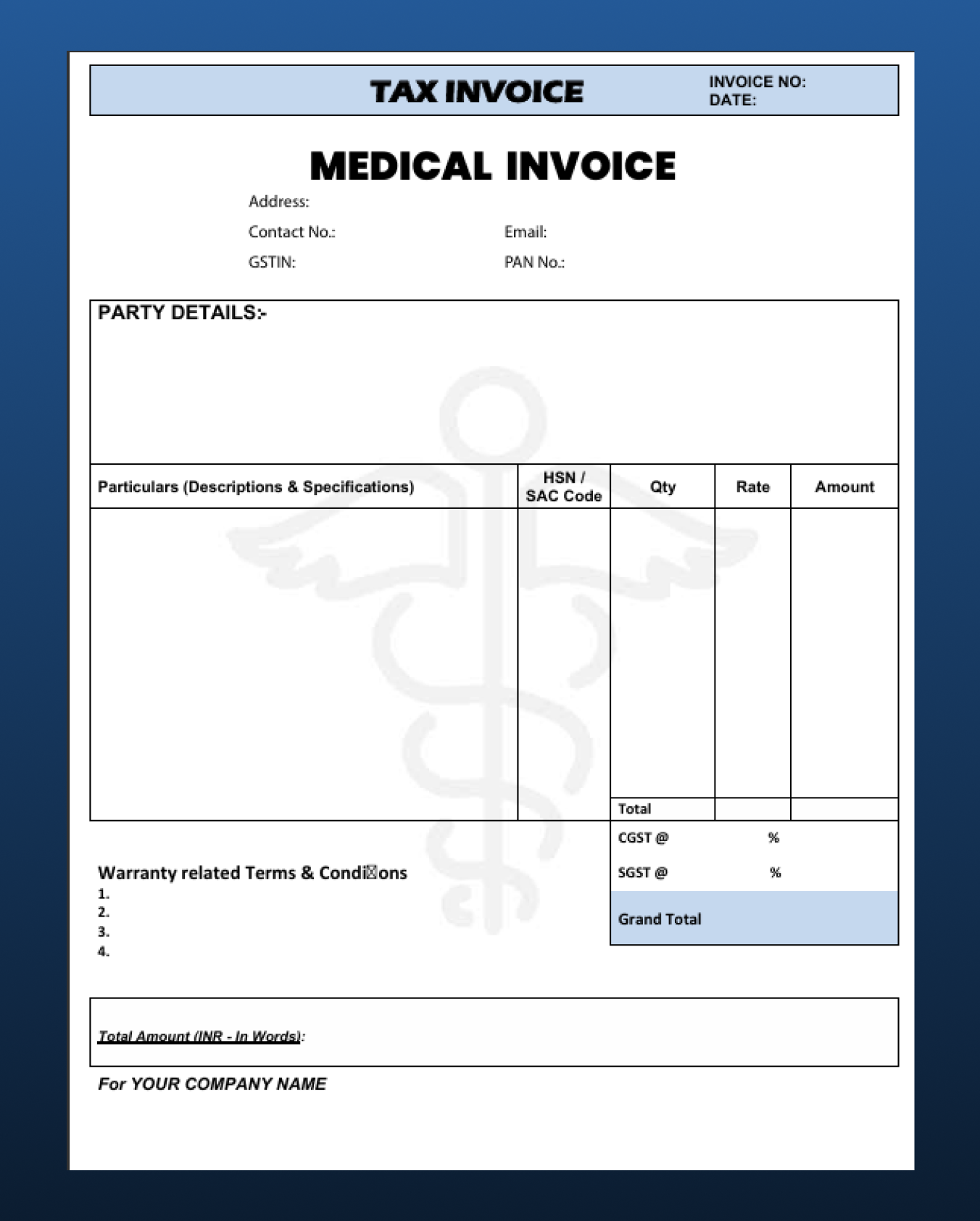
Medical Bill Format in PDF-1
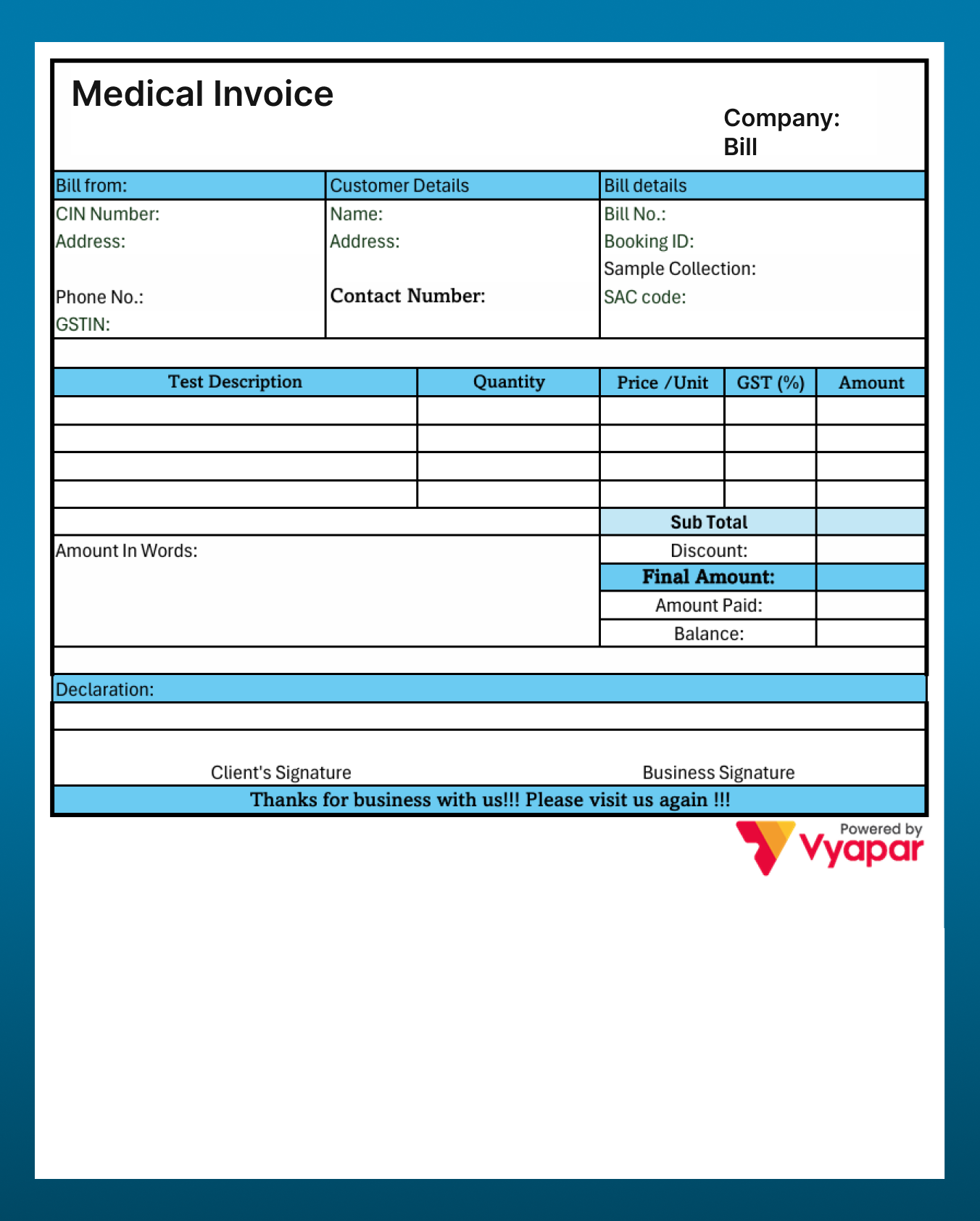
Medical Bill Format PDF-2
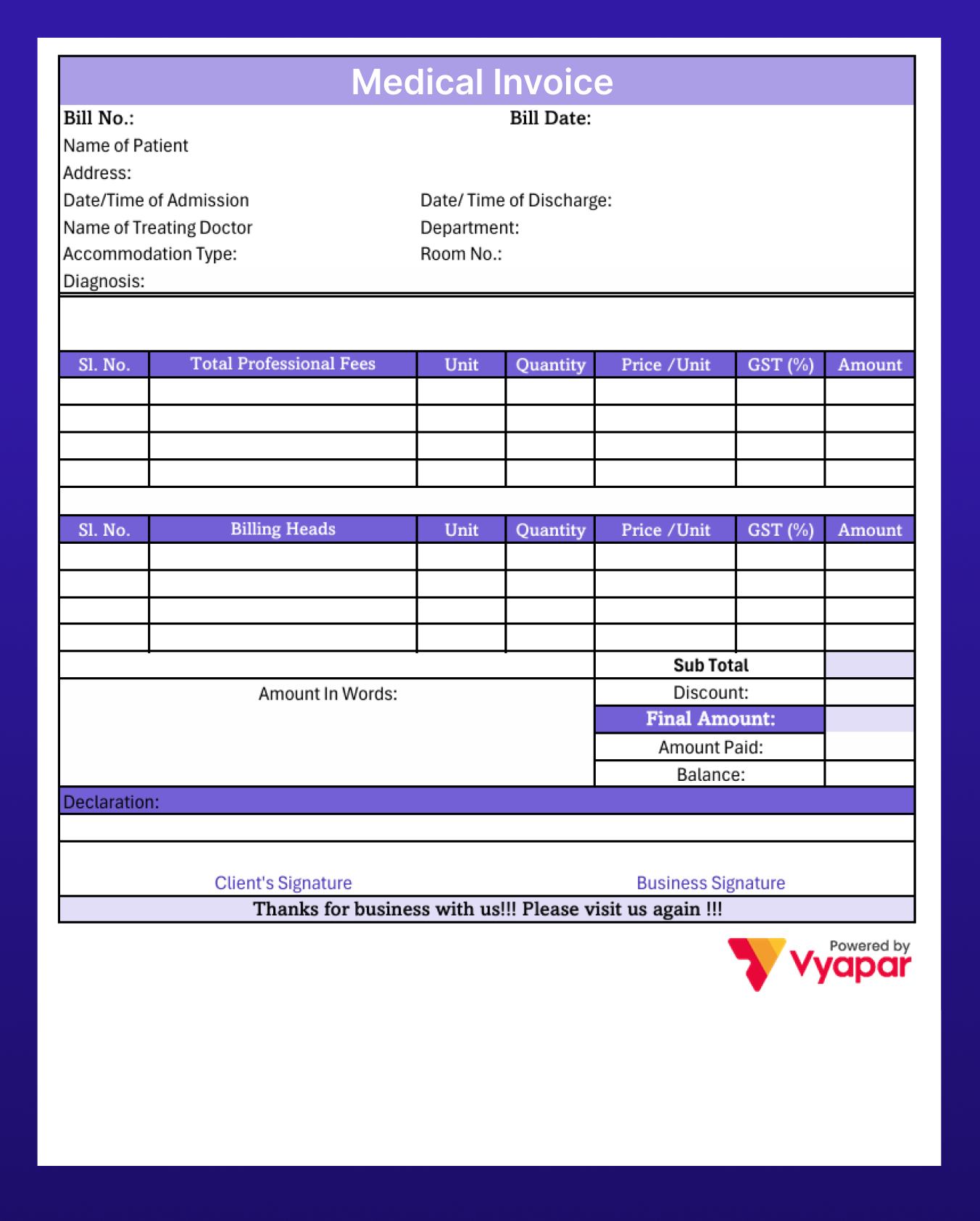
Medical Store Bill Format PDF-3
Stop Tracking Bills Manually
How to Create a Medical Bill Format
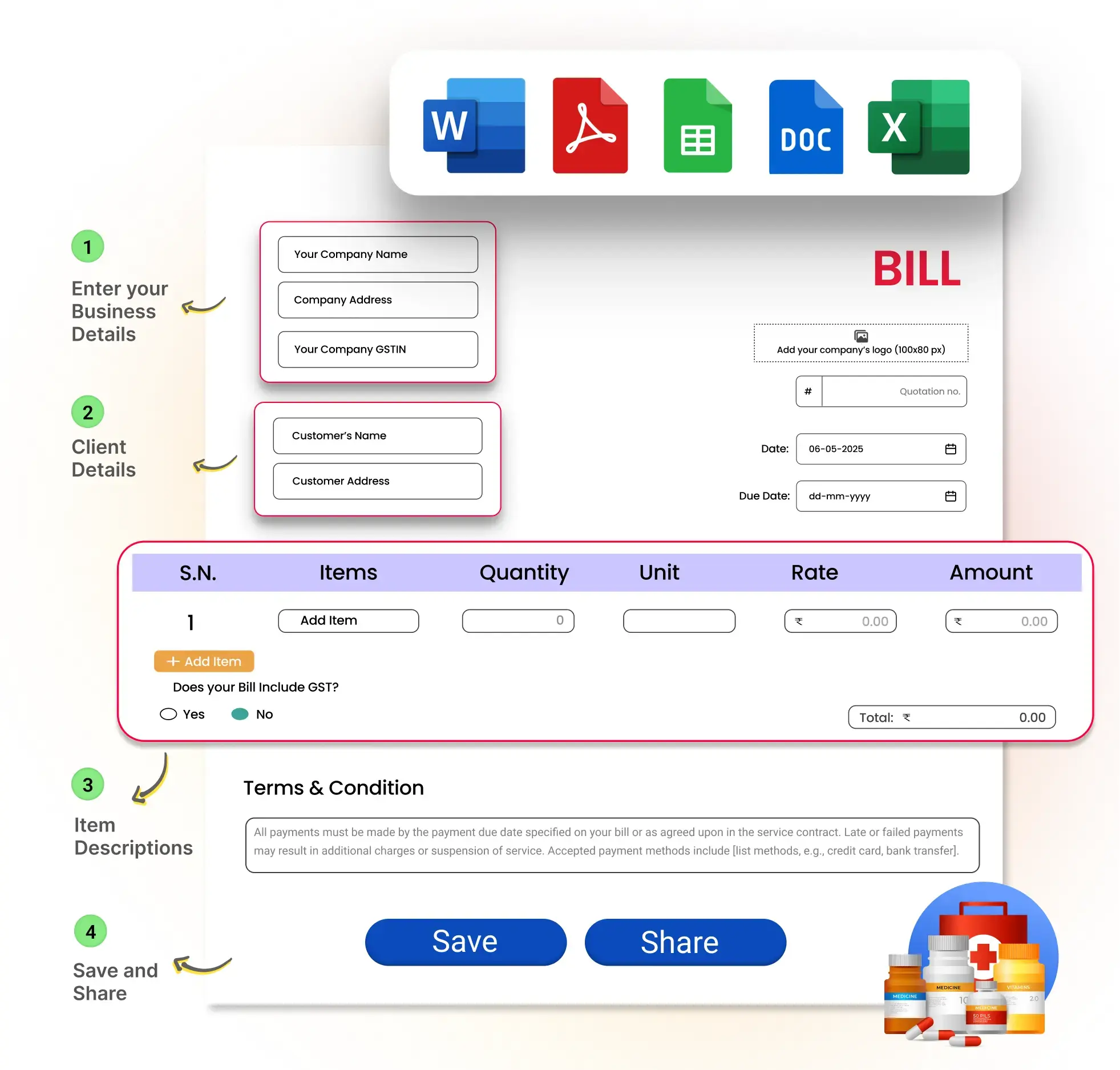
Step 1: Enter Business Details
Add your company name, logo, GSTN, and basic business information. You can also include insurance details if needed.
Step 2: Client Details
Fill in patient name, contact details, customer ID (if any), and date of service.
Step 3: Item Description
List all services clearly with proper details. Add CPT/ICD-10 codes if required, mention quantities, and enter charges – totals will be calculated automatically.
Step 4: Save and Share
Save the final bill and share it with the patient digitally for easy access and record-keeping.
See How Vyapar Works for Medical Business
This quick video shows how you can manage your medical business quickly and easily with Vyapar Medical Billing Software.
You Can:
- Maintain stock
- Expiry date
- Manufacturing date
- Location
- Batch No.
Choose your Format of Medical Bill

Excel
Some patients may require many medicines for them, and it becomes really difficult to do all the maths yourself. MS Excel is known for simplifying the process of calculations with its wide range of formulas and tabular formats. It keeps your hassles away and increases the workflow of your medical business.

Word
We are pretty sure you have heard of MS Word, as it has dominated the market for a pretty long time. This is the choice of many medical businesses as it hosts a variety of features. You can customise fonts, colours, logos, images, and data on your bill book to generate bills for your customers.

By far, you would have heard about this format, as most medical businesses prefer using PDF for sending bills because it looks clean, professional, and is easy to share. With Vyapar, you get access to a wide range of ready-made PDF templates that you can easily customise based on your needs.
Switch to Smart Billing With Vyapar!
Benefits of Using Vyapar App for Medical Bill Format
With the growing demand for medicines, medical shops need to be equipped for the quick generation of bills. Vyapar has designed the templates specifically for the medical business that allow you to add the patient’s details, medicines, and make instant payments. Apart from this, it has a variety of features, such as:
Quick Bill Generation
Time is important for someone who is battling between life and death. Vyapar’s Medical Bill allows you to generate bills in seconds to receive instant payments. It saves your time as well as the patient’s time.
Faster Calculations
A patient might take a lot of medicines prescribed by the doctor, and it could be a really difficult task to calculate, especially when prices are in decimals. GST and taxes will add to the burden of creating the bills. This is where the medical bills format uses automatic GST and tax calculation to perform calculations in seconds.
Colour-coded Templates
You can customise invoice formats with different templates for a general physician, dietician, entomologist, etc., which will help you in the long run. This will also help you and the patient to have separate bills for doctors, therefore, helping you to stand out from the crowd.
Tracking of Bills
In the digital world, keeping hard copies of your bills can be difficult when you are generating hundreds of bills daily. Not anymore, the Vyapar app allows you to search for past bills in just a few clicks!
Manage expenses
You can track income and expenses for any business as you need to file for taxation at the end of the fiscal year. With Medical Bill Book, you can get a breakdown of expenses and taxes, which helps you to save up on your time.
Frequently Asked Questions (FAQ’s)
What is a medical bill format?
What details should be included in a medical bill format?
Can I download a medical bill format in PDF, Excel, or Word?
Why is a medical bill format important for clinics?
Is GST required in a medical bill format in India?
How can I create a medical bill format easily?





